YOUR SCREEN. YOUR SCHEDULE. Explore Olyviax plans in pounds sterling.
OLYVIAX Get Olyviax
WELCOME TO OLYVIAX

Olyviax — Ultra-Fast 4K Streaming & Live TV in United Kingdom

Bring live television and on-demand entertainment together on the devices you use. Compare fixed plans, check compatibility and ask us about the channels that matter to you.

Choose on quality: see the 12-month plan from £51 for one device.

Fixed plan totals1–6 device enquiriesSetup guidance
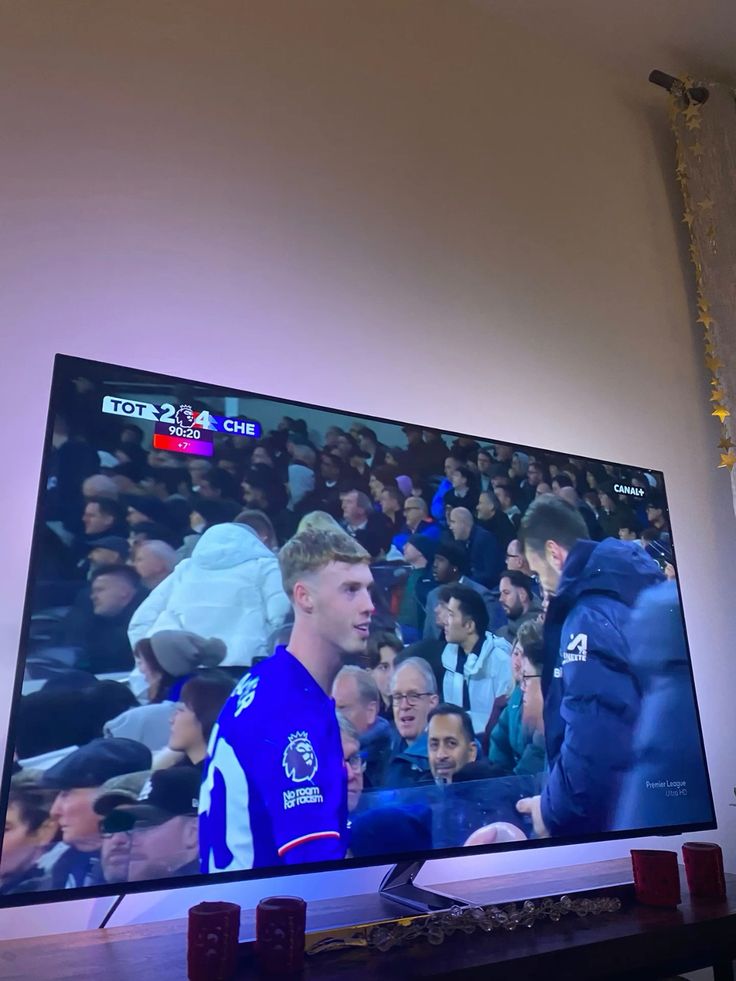
Football artwork supplied for Olyviax IPTV hero
AN EXTRA MONTH ON US

12 months + 1 month free

13 months of access at the fixed 12-month plan price. Ask about availability before ordering.

Promotion timing to be confirmed
From £51 / 1 deviceAsk about the free month
COMPARE THE OPTIONS

How Olyviax IPTV compares with cable

The figures below show our fixed one-device annual plan and typical differences in how internet TV and traditional television are used. Cable prices and channel availability vary by provider.

ConsiderationOlyviaxTraditional cable or satellite
12-month one-device total£51Varies by contract
Viewing hardwareCompatible IPTV playerProvider equipment may be required
On-demand choiceAsk for current catalogueDepends on package
Simultaneous screensSelect a device planDepends on package
InstallationApp and supplied access detailsMay require an appointment
Viewing away from homeCheck regional availabilityOften restricted
Live channels41,821+ reported200–500 in the brief
Films and series177,000+ reportedMay cost extra
Adult channelsIncluded in the fixed planVaries by provider
24/7 channels1,000+ reportedNone in the comparison brief
SportsIncluded where availableMay require a separate package
Contract choiceFixed-duration plansDepends on provider
SIMPLE, FIXED PRICES

Choose your Olyviax IPTV plan

Pick the number of simultaneous devices and the currency that suits you. Selling totals are fixed; equivalent monthly and daily figures are for comparison.

Simultaneous devices
1 device
Display currency
FLEXIBLE VIEWING

3 months

One fixed total. Choose your screens.

—

Compared with renewing the one-month subscription.

  • 35,000+ international live channels
  • 179,000+ films and series on demand
  • SD / HD / FHD / 4K / UHD picture options
  • EU servers with anti-buffer technology
  • Adult channels included in plan
See all plan detailsChoose 3 months
FLEXIBLE VIEWING

6 months

One fixed total. Choose your screens.

—

Compared with renewing the one-month subscription.

  • 35,000+ international live channels
  • 179,000+ films and series on demand
  • SD / HD / FHD / 4K / UHD picture options
  • EU servers with anti-buffer technology
  • Adult channels included in plan
See all plan detailsChoose 6 months
FLEXIBLE MONTHLY PLAN

1 month subscription

1 device · Adult channels included

—

Choose 1 month
Available payment method icons for Olyviax IPTV

Availability varies by channel, device and region. Five and six device requests receive a quote. Daily equivalents use 30, 91, 182 and 365 days for the 1, 3, 6 and 12-month plans; the free bonus month is excluded from those comparisons.

MORE SCREENS

Entertainment across your devices

Select a duration for each multi-device option. The same fixed price table powers every card.

2 devices

Watch on 2 devices at the same time.

—

+1 month free

Choose plan

3 devices

Watch on 3 devices at the same time.

—

+1 month free

Choose plan

4 devices

Watch on 4 devices at the same time.

—

+1 month free

Choose plan
THREE CLEAR STEPS

Olyviax IPTV installation in 3 steps

Choose a compatible player, enter your private access details and check playback.

01

Install a player

Download a compatible IPTV app from your device's official store where possible.

02

Enter access details

Add the M3U link, Xtream credentials or device details supplied with your subscription.

03

Start watching

Refresh the playlist, check a channel and adjust picture or audio settings to suit your network.

{link('Read the complete installation guide','/installation-guide/','Follow the Olyviax IPTV installation guide','text-link')}
CUSTOMER VOICES

Olyviax reviews: what matters most?

We only publish attributed customer feedback after it has been verified and approved for display. Until then, use these questions to assess any IPTV review.

01

Was the setup clear?

Look for the exact player and device used, plus whether the access instructions were easy to follow.

02

Did playback fit their network?

Picture quality depends on the source, player, home connection and time of viewing.

03

Was support helpful?

A useful account describes the question, the response and whether the issue was resolved.

{link('Read our review guide','/reviews/','Read the Olyviax IPTV reviews guide','text-link')}
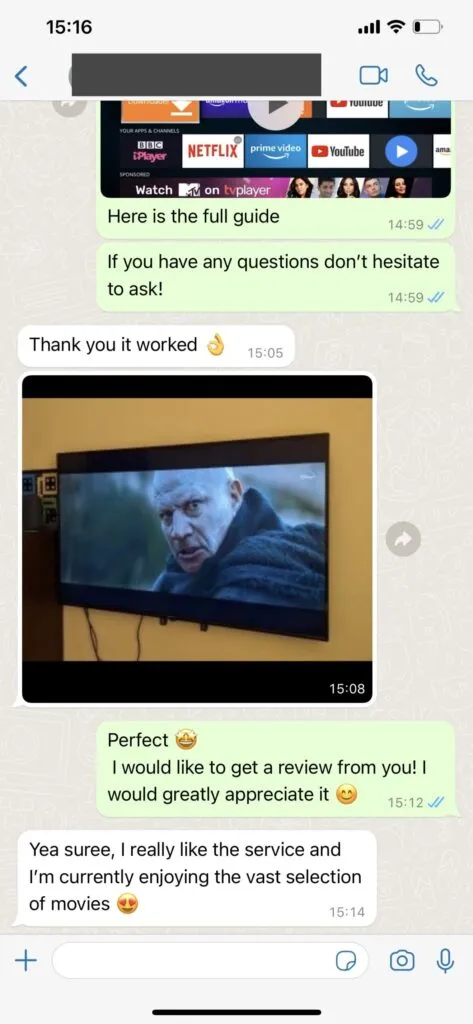
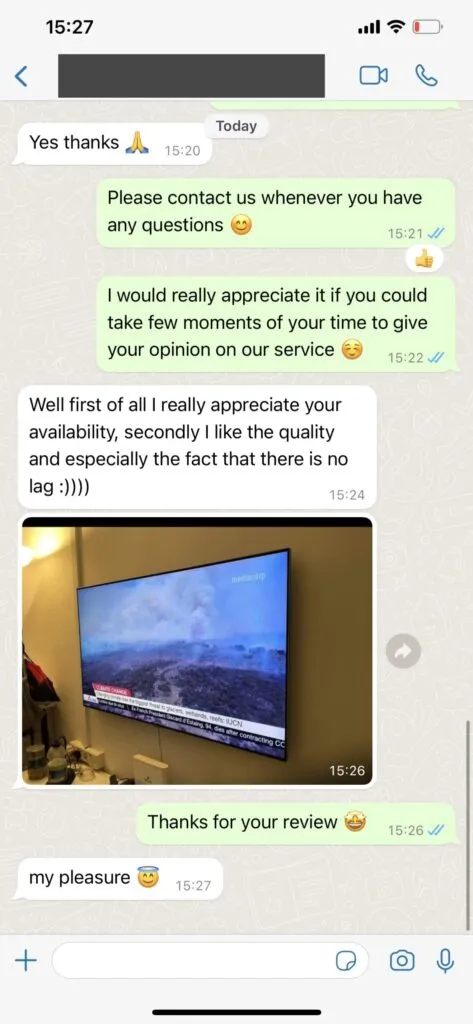
REVIEW REFERENCES

Olyviax customer review references

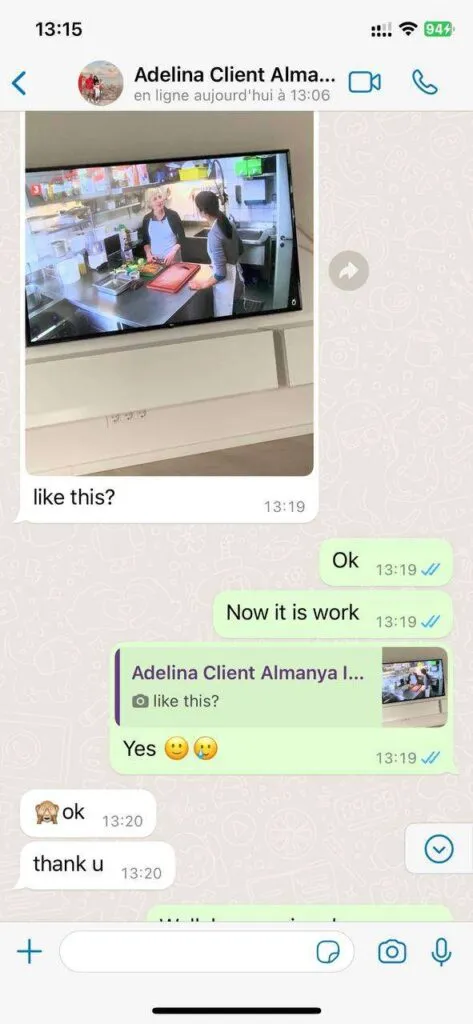
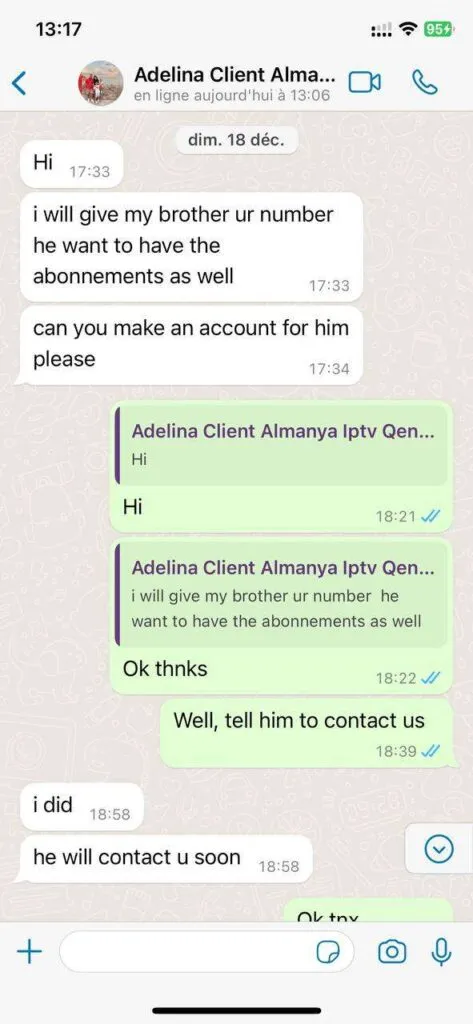
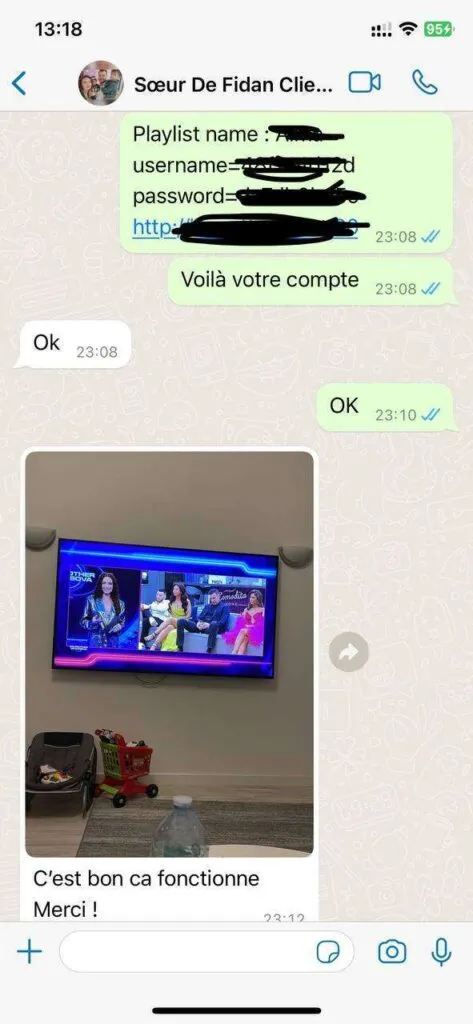
The project brief supplies these names and viewing photos, but no review quotations. The cards remain clearly marked until the actual comments are provided.

4.9 / 5from 243 reviews, as reported in the project briefIndividual review quotations and verification records were not supplied.
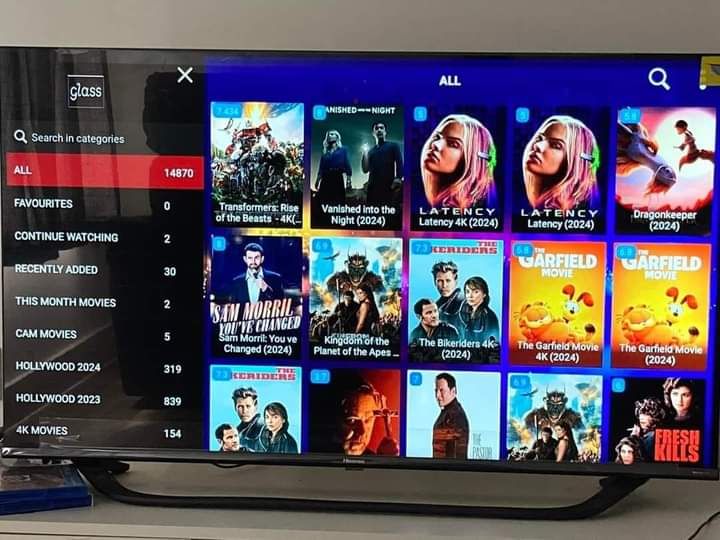
Television viewing photo 1 supplied for Olyviax reviews

Michael K.

Berlin, Germany

★★★★★Review comment pending approval
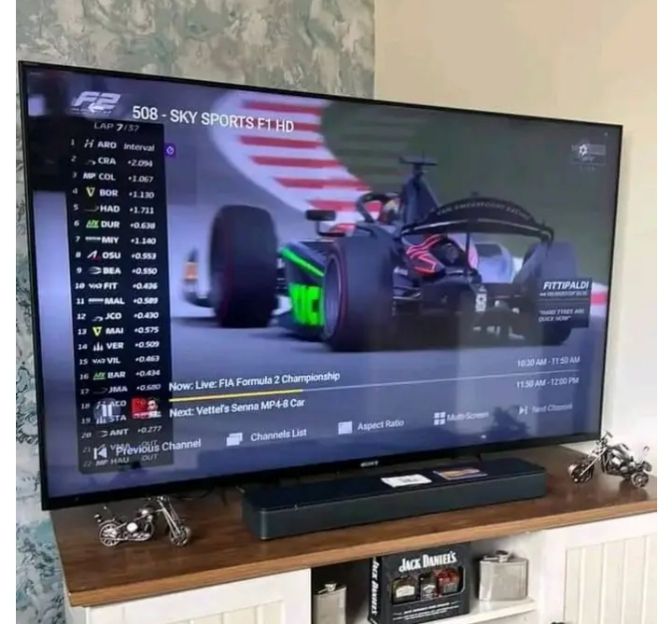
Television viewing photo 2 supplied for Olyviax reviews

Sophie R.

Amsterdam, Netherlands

★★★★★Review comment pending approval
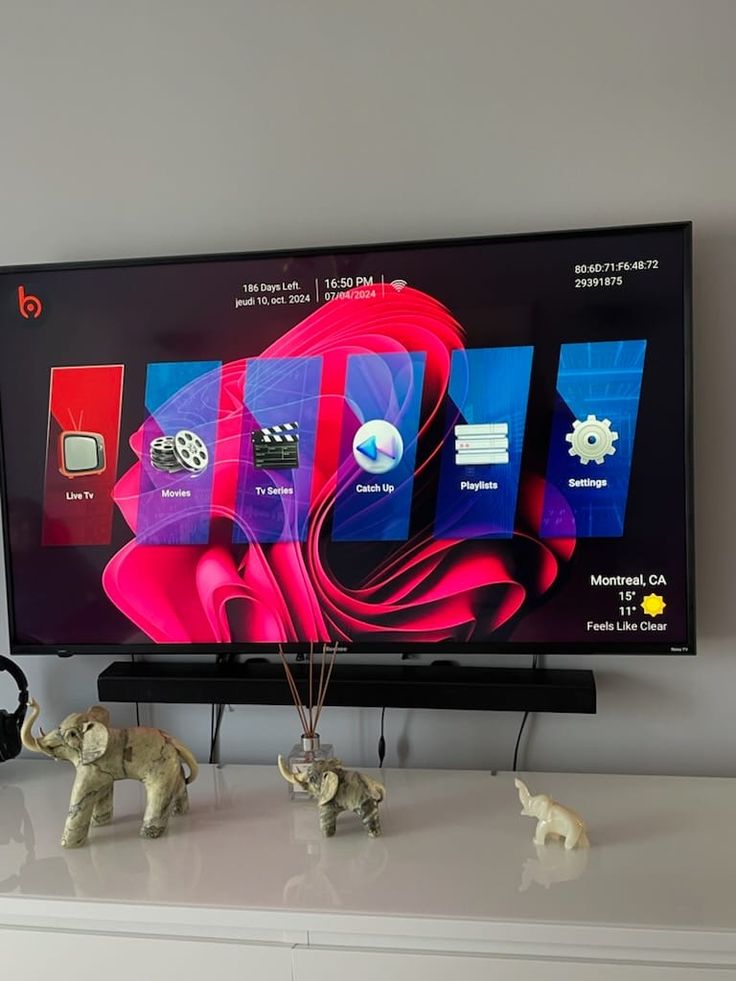
Television viewing photo 3 supplied for Olyviax reviews

Patrick L.

Dublin, Ireland

★★★★★Review comment pending approval
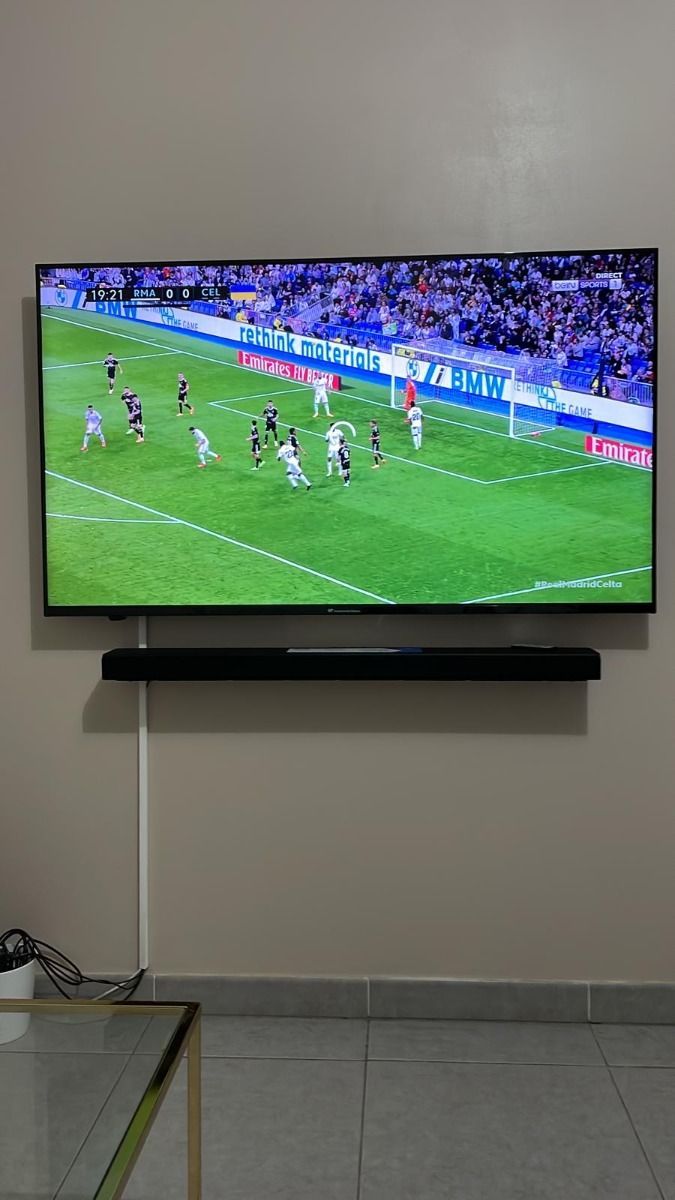
Television viewing photo 4 supplied for Olyviax reviews

Carlos M.

Barcelona, Spain

★★★★★Review comment pending approval
Television viewing photo 5 supplied for Olyviax reviews

Jan V.

Copenhagen, Denmark

★★★★★Review comment pending approval
Television viewing photo 6 supplied for Olyviax reviews

Luisa B.

Lisbon, Portugal

★★★★★Review comment pending approval
Television viewing photo 7 supplied for Olyviax reviews

Customer 7

Location not supplied

★★★★★Review comment pending approval
BUILT AROUND YOUR VIEWING

Olyviax IPTV features worth exploring

Live and on-demand

Check the current channel and programme catalogue for your interests and region.

Device choice

Use a compatible player on a Smart TV, streaming device, phone or computer.

Clear plan totals

Choose a fixed duration and the number of screens you plan to watch at once.

{link('Explore all Olyviax features','/features/','Explore Olyviax IPTV service features','text-link')}
GOOD TO KNOW

Olyviax IPTV questions, answered

Clear answers before you choose a plan or set up a player.

How can I contact Olyviax support?

The supplied service description says the WhatsApp support team is available for 16 hours daily and can assist in English, German, French and Spanish. Include your device and app when requesting technical help.

How does ordering work?

Select a duration and device count. The order button opens WhatsApp with your choice filled in. The supplied service description says support can provide a payment link; ask about the terms before paying.

Which devices can I use?

Common IPTV players run on many Smart TVs, Fire TV devices, Android TV devices, phones and computers. App availability and features vary by device and region.

What content is available?

The master brief lists 41,821+ live channels, 142,754+ films, 34,260+ series and 1,000+ around-the-clock channels. Other sections give broader catalogue figures. Availability can change, so ask for a current list before ordering.

What internet speed should I have?

A stable connection matters more than a headline speed. As a starting point, allow around 10 Mbps for HD and 25 Mbps for 4K per active stream; your player and network may need more.

Do I need a VPN?

A VPN is optional for privacy, but it does not make unlicensed content lawful. Check the rules and content rights that apply where you watch.

Can I watch while travelling?

The service description says subscriptions can be used with an internet connection while travelling. Availability can still vary by app, network, content rights and destination, so check your planned location before relying on access abroad.


Read all FAQs
WhatsApp